

Collaborative workflows: transform your processes into seamless, controlled journeys.
Emails, spreadsheets, lingering approvals: collaborative master data management often feels like an obstacle course.
Maps System’s collaborative workflows transform these manual processes into seamless, controlled journeys. It is not about replacing your teams with total automation, but about providing them with an intelligent framework. Every validation becomes a controlled process where your teams know exactly what to do and when.
How to structure collaboration around your data repositories?

When manual processes hold back your master data quality

Without a centralized dashboard, it is impossible to track the actual status of ongoing approvals. Teams waste time chasing colleagues, digging through emails, or checking fragmented tracking files for simple information. This lack of global visibility makes it impossible to anticipate delays and turns oversight into a constant search for information.

Reliance on spreadsheets and emails heightens risk: sloppy copy-pasting, working with outdated versions, and inconsistent data. Inaccurate information, once mistakenly approved, ripples through your systems—from e-commerce sites to catalogues and ERPs. Without a structured framework, the integrity of your master data is constantly at risk.

Dashboards and alerts give you a clear overview of your data. Adjust a rule, test a new one, measure the impact: you stay in control while the engine does the heavy lifting.

When an error is detected, it is difficult to trace it back to its source: who modified the information, when, and in what context. This lack of audit trail prevents accountability and the analysis of recurring errors, leaving teams doomed to repeat the same malfunctions.
Centralised management for structured collaboration
By configuring workflows within MaPS System, you replace time-consuming manual processes with a collaborative, intelligent, and traceable working framework.
Without a centralised dashboard, it is impossible to know the real-time status of ongoing approvals. Teams waste time chasing colleagues, sifting through emails, or consulting scattered tracking files just to obtain simple information. This lack of global visibility prevents the anticipation of delays and turns management into a constant struggle for information.
Relying on spreadsheets and emails heightens risks: imprecise copy-pasting, working on the wrong versions, and inconsistent data. When incorrect information is inadvertently approved, it propagates throughout your systems — from e-commerce sites to catalogues and ERPs. Without a structured framework, the quality of your master data is compromised.
Dashboards and alerts provide you with clear visibility over your data. Adjust a rule, test a new one, and measure the impact: you remain in control while letting the engine do the work.
When an error is detected, it is difficult to trace it back to its source: who modified the information, when, and in what context. This lack of audit trail prevents accountability and the analysis of recurring errors, leaving teams doomed to repeat the same malfunctions.
Our workflows in action: 3 examples
To illustrate how workflows operate, here are three common use cases demonstrating how PIM and MDM orchestrate the enrichment, validation, and distribution of your data.
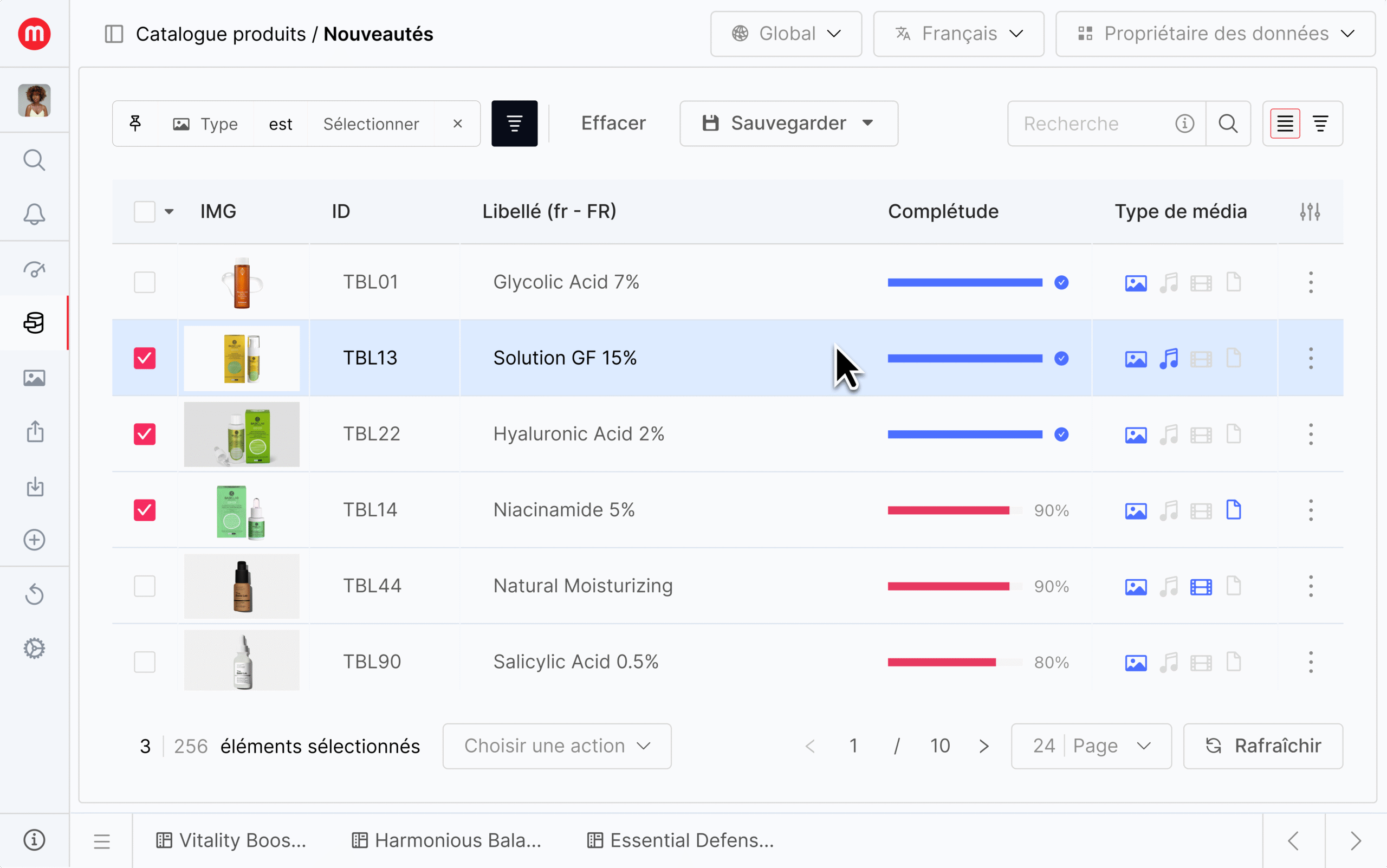
The new product lifecycle (PIM)
- Trigger: A product manager creates a new item reference. This action automatically triggers the validation workflow.
- Enrichment: The workflow instantly routes the product record to two departments simultaneously: one responsible for technical data (attributes) and the other for media (images, videos).
- Validation: The system waits for both teams to approve their work. Once this condition is met, the complete product file is sent to a manager for final approval.
Result: The product is enriched and validated reliably and quickly. It is now ready for publication.
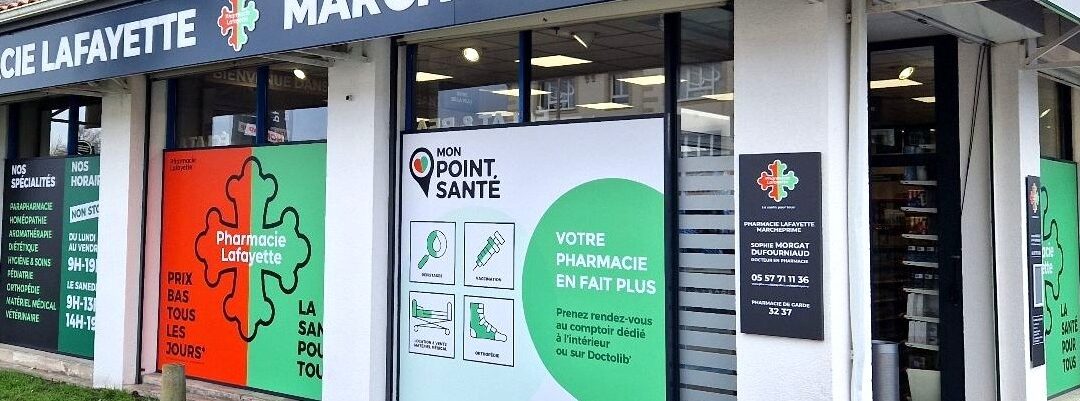
Onboarding a new point of sale (MDM)
- Trigger: A new “Point of Sale” is created within the system.
- Enrichment: The workflow adapts the subsequent steps based on the store’s business type, for example, “Optical” or “Pharmacy”.
- Validation: The record is then sent simultaneously to four teams (Merchandising, Web, Fit-out, Scheduling) for department-specific checks.
Result: The point of sale is only activated once all departments have granted approval. The process is reliable, collaborative, and significantly accelerated.

AI enrichment, steered by humans
- Trigger & AI Extraction: upon product creation, the workflow launches an automated task. The AI analyses raw data (photos, supplier documents) to extract and populate factual attributes: the label, colour, or an initial technical description.
- Strategic Enrichment (Human): the pre-filled record is then passed to a product manager. Their high-value mission is to provide business-specific data requiring human expertise, such as assigning products to the correct ranges or defining customer use cases.
- Marketing Optimisation (Human): the file then moves to the marketing department, which uses AI to generate descriptions tailored to different channels (e-commerce, marketplaces, etc.) and optimised for SEO. The marketer retains final control, approving and fine-tuning the tone.
Result: Repetitive tasks are automated, massively accelerating the process. Teams focus on strategic validation and optimisation, ensuring optimal data quality.
Frequently Asked Questions (FAQ)
A notification informs you of a past action (e.g. “the record has been modified”). A workflow does more than just notify; it assigns the task to the right person and allows for its progress to be tracked. It orchestrates the entire process in a visible and traceable manner, whereas a notification is merely a simple alert.
No, the configuration is designed to be quick and cost-effective. The MaPS System platform uses a “Low Code” approach, allowing business processes to be modelled visually without the need for heavy software development. This enables teams to design and adapt their validation journeys with great flexibility.
Yes, absolutely. The workflow engine is a cross-functional MDM (Master Data Management) feature. For instance, with our client HYGIE31, specific processes have been implemented to manage “Points of Sale” as well as “Third Parties” and “Contracts”.
Workflows are ideal for managing geographically dispersed teams—a common challenge in an international context. By defining steps and assigning them to user groups (e.g. “Validators France”, “Marketing UK”), you ensure that everyone, wherever they are located, follows the same centralised process. This guarantees consistency while adapting to your specific organisational structure.
Yes. Workflows can orchestrate both human and automated tasks. The platform is designed to be interoperable with external AI tools (such as ChatGPT, Gemini, etc.). For example, a workflow can automatically call upon an AI to perform a translation or generate a description, then assign the result to a human for validation. It is the best of both worlds: the speed of AI combined with the control of a business expert.
Ready to define your own rules?
Turn your data into a genuine performance driver.
Through our expertise, our scalable platform, and our commitment to providing bespoke solutions, we support you at every stage to ensure your data management sustainably drives your success.
Your data. Your way. Your growth.
Ready for the next step?